Switching Dental Imaging Software Without Orphaning Radiograph History: The Bridge Problem Clinical AI Inherits
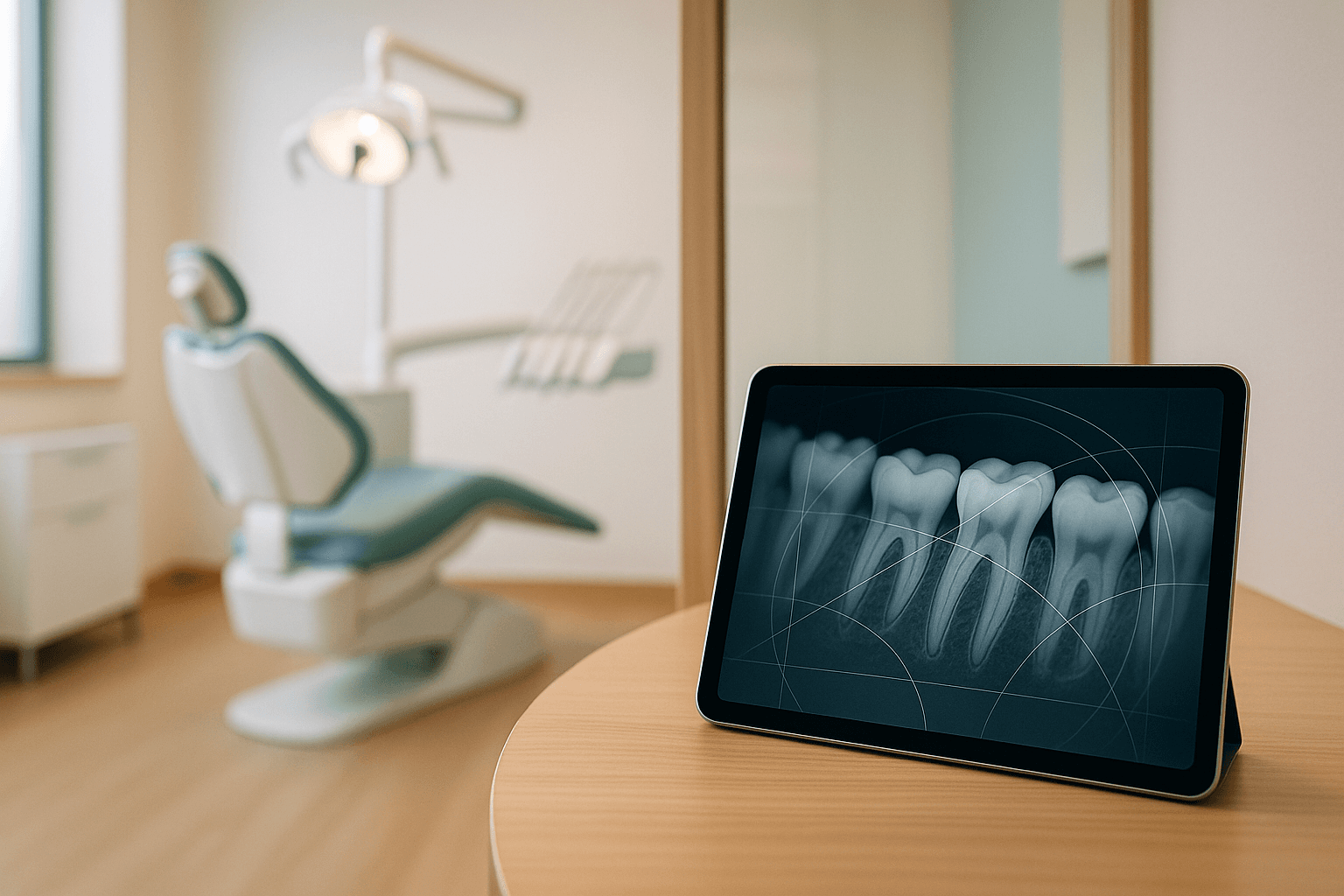
When a practice switches imaging software, what actually happens to the radiographs taken over the last ten years? In most cutovers, the pixels survive — what breaks is the link between each image and the right patient, the right tooth, and the right date.
That link is what clinical AI depends on. A model that compares this year's bitewings against films from 2019 cannot do its job if the 2019 films are sitting in an orphaned archive, stamped with the migration date, or attached to a duplicate chart.
An orphaned radiograph is an image that survives a software migration but loses its link to the correct patient chart, tooth, or capture date. The file exists, yet no clinician or AI model can find it in context.
Why Imaging Migrations Break Differently Than PMS Migrations
Practice management migrations get the planning attention, and for good reason. We covered the ledger, schedule, and charting side in our Dentrix cloud migration guide and the Eaglesoft migration walkthrough.
Imaging is a separate system with its own database and its own patient identifiers. In a typical office, Dexis, Sidexis, Romexis, Apteryx, or VixWin keeps an internal patient record that the practice management system reaches through a bridge.
That bridge is usually thin. It often passes nothing more than a patient number, a chart number, or a name-and-birthdate pair when the front desk clicks the imaging button.
As a result, the imaging database rarely knows the practice management system's primary key. It knows its own ID, and the bridge does the translation every time someone opens a chart.
When you replace the imaging software, you remove one end of that bridge. Keep in mind that the translation logic lived in the bridge configuration, not in either database, so it disappears with the old install unless someone captures it first.
The Four Ways Radiograph History Gets Orphaned
Orphaning usually arrives as a set of small, silent mismatches. They tend to surface months later, when a hygienist cannot find a baseline pan or an AI finding has no prior to compare against.
The failure modes we see most often include:
- Identifier drift. The legacy imaging ID does not match the PMS patient number, and the migration vendor matches on name and birthdate instead. Hyphenated surnames, twins, and married-name changes then land on the wrong chart or on no chart at all.
- Date collapse. The export carries the file creation date instead of the acquisition date. Every image now appears to have been taken on the day of the cutover, which destroys the timeline.
- Mount loss. Full-mouth series are stored as mount templates that map each slot to a tooth range. Exported as loose files, an 18-image FMX becomes 18 unlabeled images with no tooth context.
- Fidelity loss. Native 12-bit or 16-bit sensor data gets flattened into 8-bit JPEGs to make the conversion easier. The image still looks fine on a monitor, yet the grayscale depth that AI caries and bone-level detection relies on is gone.
All of these share one trait: none of them throws an error. The migration report says the image count matched, and the problem waits for the first clinician — or the first model — that needs the history.
Date collapse happens when an export uses the file creation date instead of the original acquisition date. Every legacy radiograph then appears to be taken on cutover day, which breaks any comparison over time.
Why Clinical AI Inherits The Bridge Problem
A radiograph model reading a single image is only half the value. The other half is longitudinal: is this interproximal lesion new, is bone loss on #30 progressing, did that periapical radiolucency resolve after endo?
Each of those questions requires three pieces of metadata to be correct at once. The model needs the right patient, the right tooth or region, and the right acquisition date, and a migration that drops any one of them quietly turns a longitudinal read into a single-image read.
That said, the downstream damage is worse than lost features. If a 2021 bitewing gets attached to the wrong chart, a system like the one described in our AI radiograph analysis overview may report progression or stability that does not exist for this patient.
This is why we treat imaging migration as a data integrity problem first and a storage problem second. Moving terabytes is easy; moving the relationships correctly is the actual work.
Operator note. If your AI vendor ingested radiographs before the cutover, ask how their index will reconcile with the new system's identifiers. A model index keyed on the old imaging ID will silently stop matching new captures to old ones.
What To Capture Before You Touch The Old System
The most important work happens before the new software is installed. Once the legacy system is decommissioned, recovering bridge mappings and mount definitions ranges from expensive to impossible.
Here is the minimum inventory we recommend pulling while the old system is still running:
- The bridge configuration. Record which PMS field the bridge passes — patient number, chart number, or a composite — and screenshot the configuration screen. This tells you how the two ID spaces were joined.
- A full identifier crosswalk. Export every legacy imaging patient ID alongside its PMS patient number, name, and birthdate. This table becomes the spine of the entire migration.
- Mount templates. Export the definitions for every FMX, bitewing, and custom mount layout in use, including which slot maps to which tooth range.
- Per-patient image counts. Pull counts by patient, by modality, and by year. These numbers are your reconciliation baseline after cutover.
- Native format samples. Pull a handful of images in their native format and record bit depth and resolution. This tells you whether the conversion path preserves full grayscale data.
Note that the crosswalk should also flag merged, deleted, and inactive patients. Merges in the PMS that were never mirrored in the imaging database are one of the most common sources of split histories.
Choosing A Target Format: DICOM, Native, Or Both
The format decision determines how much metadata survives. Our DICOM interoperability post covers how AI systems read DICOM; the question here is what you write during migration.
The comparison below summarizes the trade-offs for the three common paths:
| Path | Metadata preserved | Fidelity | AI readiness |
|---|---|---|---|
| Vendor-to-vendor native conversion | Depends entirely on the vendor's converter; mounts often lost | Usually full bit depth | Moderate — readable, but tooth context may be gone |
| Export to DICOM with populated tags | PatientID, acquisition date, modality, and study grouping in standard tags | Full bit depth when encoded correctly | High — standard tags map cleanly to model inputs |
| Flat export to JPEG or PNG | Filename only, unless a sidecar file is maintained | Often reduced to 8-bit | Low — dates and tooth mapping must be rebuilt |
Where the vendors support it, DICOM with properly populated tags is the safest intermediate. Fields such as PatientID (0010,0020), AcquisitionDate, Modality (IO for intraoral, PX for panoramic), and StudyInstanceUID carry exactly the relationships that orphaning destroys.
However, DICOM is not automatically complete. Some dental exporters write a DICOM wrapper with an empty or default PatientID, so validate a sample of tags before trusting the format to do the work.
DICOM export is the safest intermediate format for imaging migration because standard tags carry patient ID, acquisition date, and modality. Validate a sample first, since some exporters leave those tags empty.
Rebuilding Tooth Context After Cutover
Mount loss is the failure mode that hurts AI most and gets noticed least. A bitewing without a tooth range is still a readable image, but a finding on it cannot be written back to the correct tooth in the chart.
If the mount templates were captured, the migration can tag each image with its slot and tooth range during import. If they were not, tooth context has to be reconstructed — either by hand or by a model that classifies image region and orientation, with clinician review.
Keep in mind that numbering conventions matter here too. If the legacy system stored FDI notation and the new PMS uses Universal numbering, the conversion belongs in the migration script, as we outline in our tooth numbering standards guide.
Validating The Migration Before You Decommission
A migration is only done when the history is provably intact. Image counts matching at the top line is necessary but nowhere near sufficient.
A practical validation suite includes:
- Per-patient reconciliation. Compare image counts per patient, per modality, and per year against the baseline you pulled earlier. Any patient whose counts shift is a candidate for a split or merged history.
- Date distribution check. Plot acquisition dates across the migrated archive. A spike on cutover day means date collapse happened somewhere in the pipeline.
- Bit-depth sampling. Inspect a random sample of migrated images for bit depth and resolution. Anything that arrives at 8-bit from a 12-bit or 16-bit source needs to be re-exported.
- Chart-side spot checks. Have a clinician open 25 to 50 charts, chosen to include hyphenated names, twins, and merged records, and confirm that the full imaging history appears.
- AI round-trip. Run the AI pipeline on a sample of patients with long histories and confirm it retrieves priors. If it reports no prior images for a patient with a decade of films, the index is broken.
Overall, the goal is to catch mismatches while the old system is still available as a reference. Once it is gone, every orphan becomes a forensic project.
Keep the legacy imaging system in read-only mode until per-patient reconciliation, date checks, bit-depth sampling, and clinician spot checks all pass. Decommissioning first turns every mismatch into a forensic recovery.
HIPAA Obligations During The Move
Every exported radiograph is PHI, and so is the crosswalk table. The migration vendor, any temporary storage provider, and any conversion service all need a signed BAA before data moves.
In addition, the export should travel encrypted in transit and at rest, with access logged at each hop. Our HIPAA guide for clinical AI in dentistry covers the safeguard requirements, and the AI log retention post covers how long to keep the audit trail.
Remember that record retention obligations do not reset with a software change. Many state dental boards require radiographs to be retained for years after the last visit, often longer for minors, so check your state's rule before deleting anything from the legacy archive.
A Cutover Sequence That Keeps History Intact
The order of operations matters as much as the tooling. The sequence below is the one we use when NexV is involved in an imaging change:
- First, inventory. Capture the bridge configuration, crosswalk, mount templates, counts, and format samples while the legacy system is live.
- Next, trial migration. Run a full export into a staging instance of the new system and execute the validation suite against it.
- Then, shadow mode. Point the AI pipeline at the staging archive and confirm it retrieves priors correctly before any clinical decision depends on it.
- Once validated, cutover. Move production capture to the new software, re-run reconciliation on the final delta, and re-point the PMS bridge.
- Finally, freeze the legacy system. Keep it read-only for a defined window, then archive it according to your retention policy rather than deleting it.
This all adds up to a migration where the new software, the PMS, and the AI layer agree on who each image belongs to. That agreement is what the next decade of longitudinal reads depends on.
Run a trial migration into staging, validate it, and point the AI pipeline at it in shadow mode before cutover. That confirms priors are retrievable before any clinical decision depends on the new archive.
Planning An Imaging Change With Clinical AI In Place
If you are scoping an imaging software change and already run AI on radiographs, or plan to, the archive is the asset to protect. For a broader view of how imaging fits the stack, see our dental X-ray software overview.
The NexV team works through imaging cutovers alongside practice management and charting migrations, with HIPAA and BAA coverage in place from the first export. Reach out for a working session — we will map your current bridge, name the orphaning risks specific to your vendors, and leave you with a validation plan you can run before decommissioning.
Frequently Asked Questions
Can orphaned radiographs be relinked after the old system is gone?
Often, yes, but slowly — if DICOM tags or sidecar files kept patient IDs, a script can relink them. Otherwise staff match images by name, birthdate, and date clues by hand, which can take weeks for a busy practice.
Does switching imaging software require re-running AI analysis on old images?
Usually only the index needs rebuilding, not the analysis. If image identifiers changed during migration, the AI system must remap stored findings to the new IDs, or prior results will stop appearing beside new captures.
How long should the legacy imaging system stay available after cutover?
Keep it read-only for at least one full recall cycle, typically six to twelve months. That window lets clinicians surface missing histories at routine visits while the original system can still answer questions.
What happens to CBCT volumes during an imaging migration?
CBCT scans are usually stored as multi-file DICOM series and can be very large. Confirm the target system accepts the full series with study and series UIDs intact, since a partial import breaks 3D reconstruction.
Who is responsible for migration errors, the old vendor or the new one?
Typically the party performing the conversion, as defined in its statement of work. Get the validation criteria, including per-patient reconciliation, written into that contract before any data is exported.